Running a Test Reports Search
Applies to: Monitored systems enrolled in the DataSource Enrollment tier
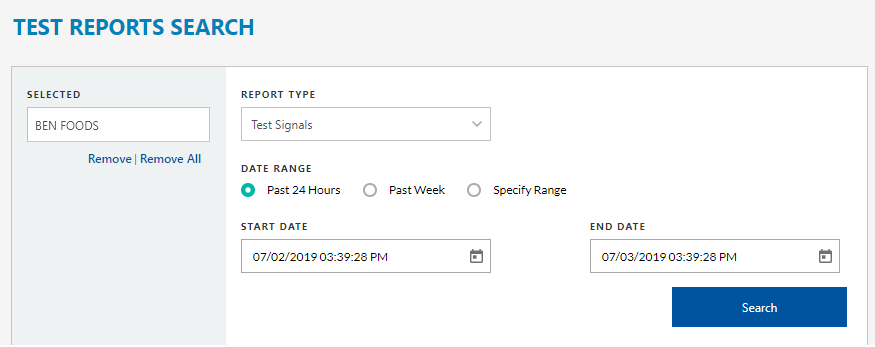
To ensure that your site's alarm signals are working properly, you can verify the systems by running a Test Activity report from the Test Activity panel. There are three types of test activity reports that you can generate: Test Signals, Sites without Test Signals, or Sites On-test with No Signals.
-
Test Signals - Displays a list of events for all signals that have occurred while the system was on-test.
-
Sites without Test Signals - Displays a list of sites that did not have any test signals; where no panels were tested.
-
Sites On-Test No Signals - Displays a list of systems where no signals were sent while the site was on-test.
For example, we recommend that you test your fire detection equipment regularly. Running a Test Activity report allows you to search for sites that have not performed this routine test.
 To run a Test Report, click Activity from the Navigation bar and select the Test Reports Search tab.