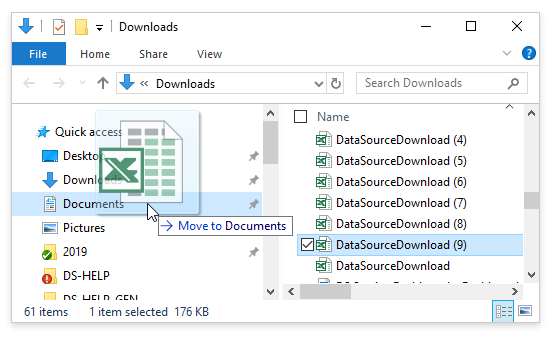
Downloading Reports
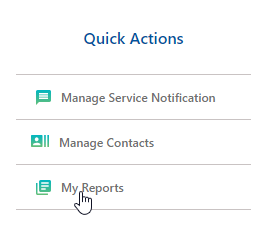
 Access using the My Reports section by going to the Quick Actions panel on the Homepage and clicking on My Reports.
-
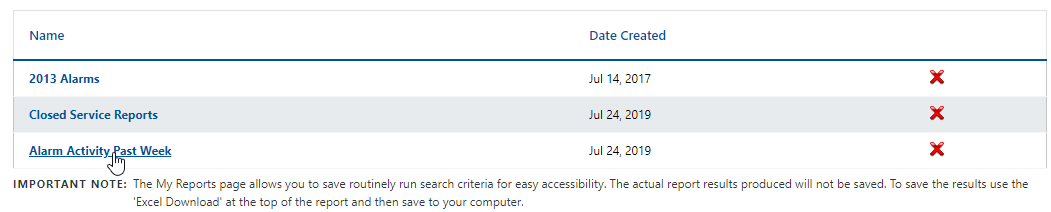
Select the desired report.
-
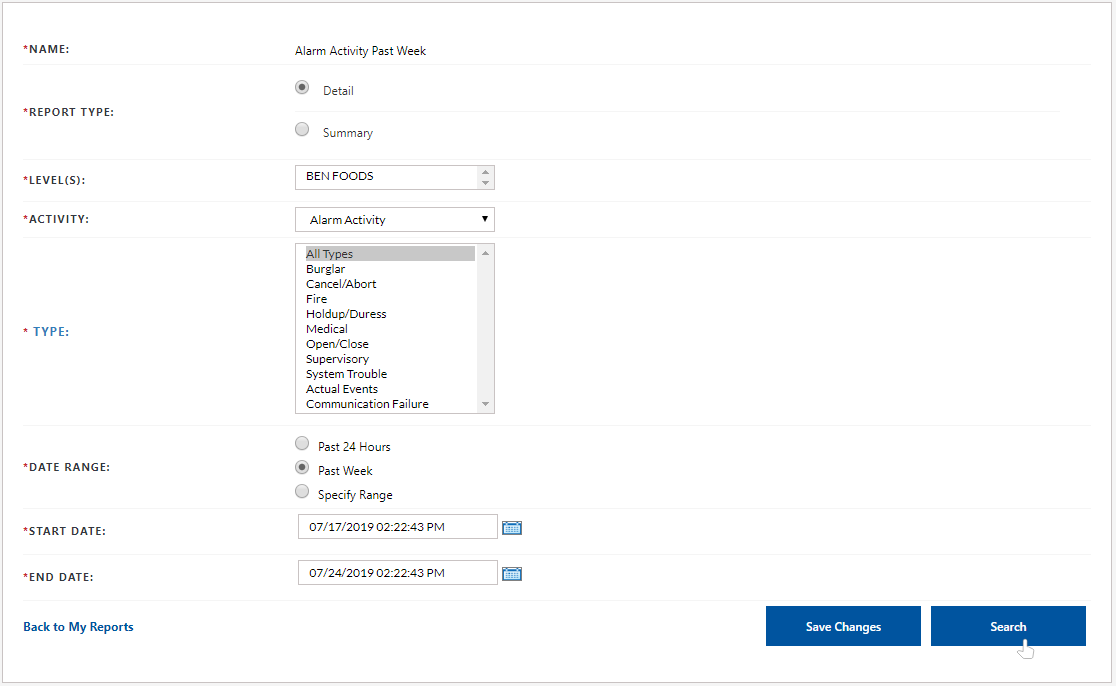
You will land on a page with pre-populated search criteria, based on what you selected and added to My Reports.
-
Click Search to run Search.
-
The report opens in a grid.
-
Click the Excel Download link from the desired report's results screen.

-
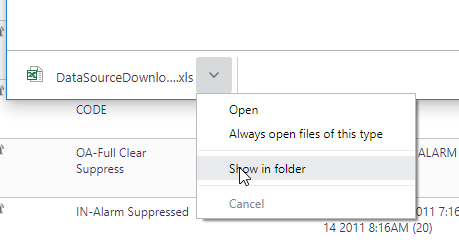
The File Downloads and a pop-up window is displayed.
-
Click on the arrow and select Show in folder
-
Navigate to the desired location where you want to save the report.