Editing a User Alert
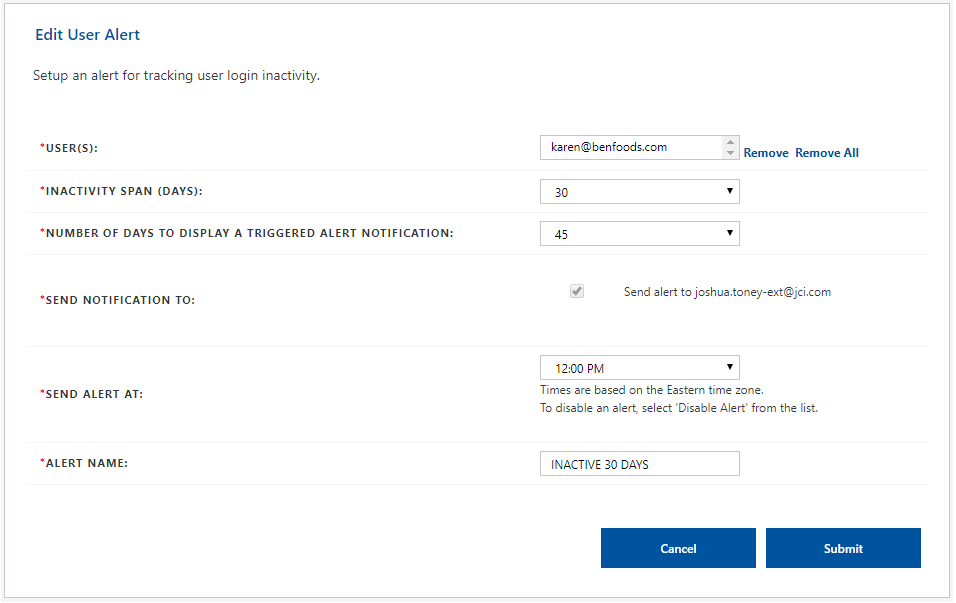
Administrators and users can edit user alerts they created from the Edit User Alert screen.
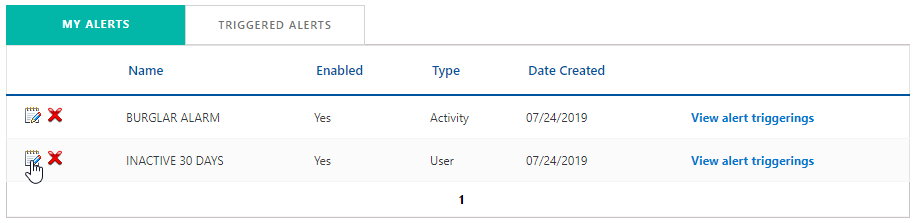
 To edit an activity alert, click Account from the Navigation bar and select Alerts in the subnav.

-
Select My Alerts Tab
-
Click the Edit
 icon next to the user alert you want to modify. The Edit User Alert screen is displayed.
 Depending on your user type will depend on the fields you can modify.
-
Make the necessary changes to the Edit User Alert screen. For detailed information, see Creating a User Alert.
-
Click Submit.
The Alert updated successfully message is displayed in the My Alerts tab.