Deleting a User's Profile
Administrators can remove user profiles that are no longer used in DataSource.
Note: Once you delete a user profile, you will not be able to retrieve it.
To delete a user:
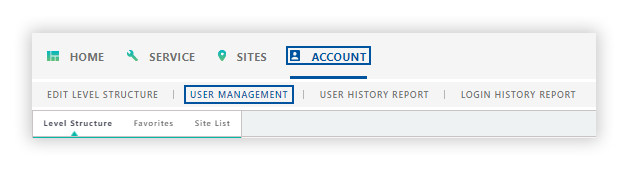
- Click the Account tab from the navigation bar.
- Click User Management.
The profile that is displayed in the User Profile panel is the user who is currently logged into DataSource.
-
To delete another user's profile, search for the desired user using the User Search panel.
-
Verify the user you want to permanently remove from DataSource is displayed in the User Profile panel.
-
Click Delete User.
-
The Are you sure that you wish to delete this user? message appears.
-
Click OK.
The User deleted successfully message appears in the User Profile panel.