Editing a User's Profile
There may be times when a user needs to change their personal information and/or password, or an administrator wants to modify another user's profile. Users can change their personal information and password. Administrators can modify user profiles by changing the site levels, password, and access to other options that they may not be currently assigned to.
To edit a user's profile:
- Click the Account tab from the navigation bar.
- Click User Management.
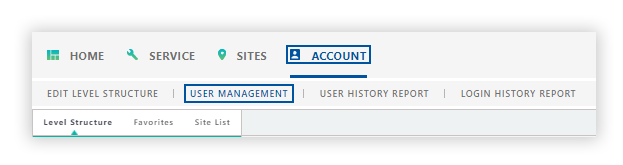
The profile that is displayed in the User Profile panel is the user who is currently logged into DataSource.
Editing your User Profile
Edit your Suer Profile to update your email address, phone number, or change your password.
-
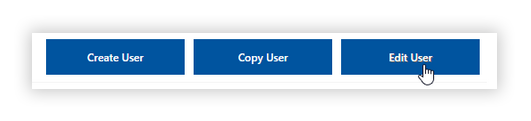
To edit your user profile, click Edit User.
- The fields you can modify depends on your user type.
-
Make the necessary changes in the User Profile panel.
-
Click Save.
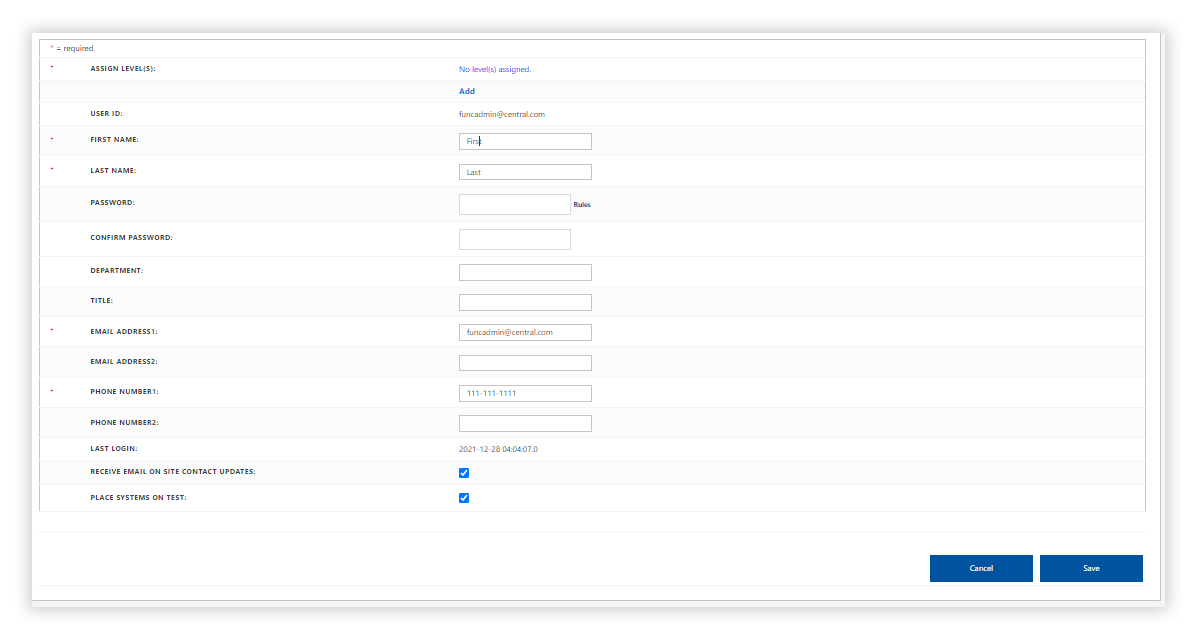
The changes are updated in the User Profile panel.
Editing a different User Profile
Administrators can update a user's personal information, make changes to the assigned site levels, and change other preferences related to the user.
-
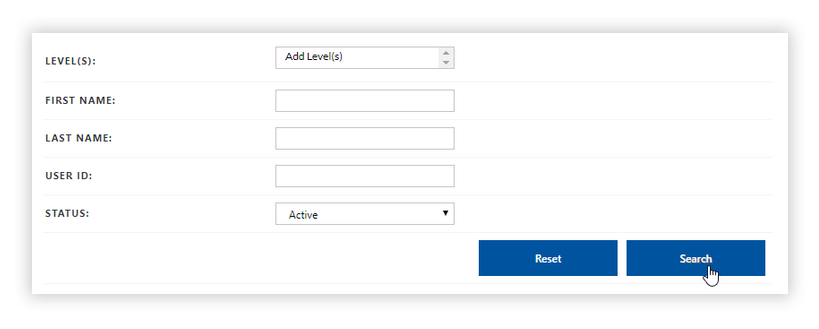
To edit a different user's profile, search the user's profile using the User Search panel.
-
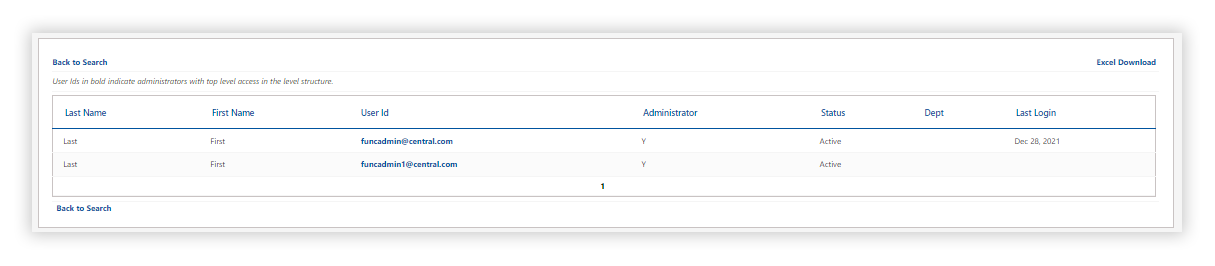
Click on the result you would like to edit
-
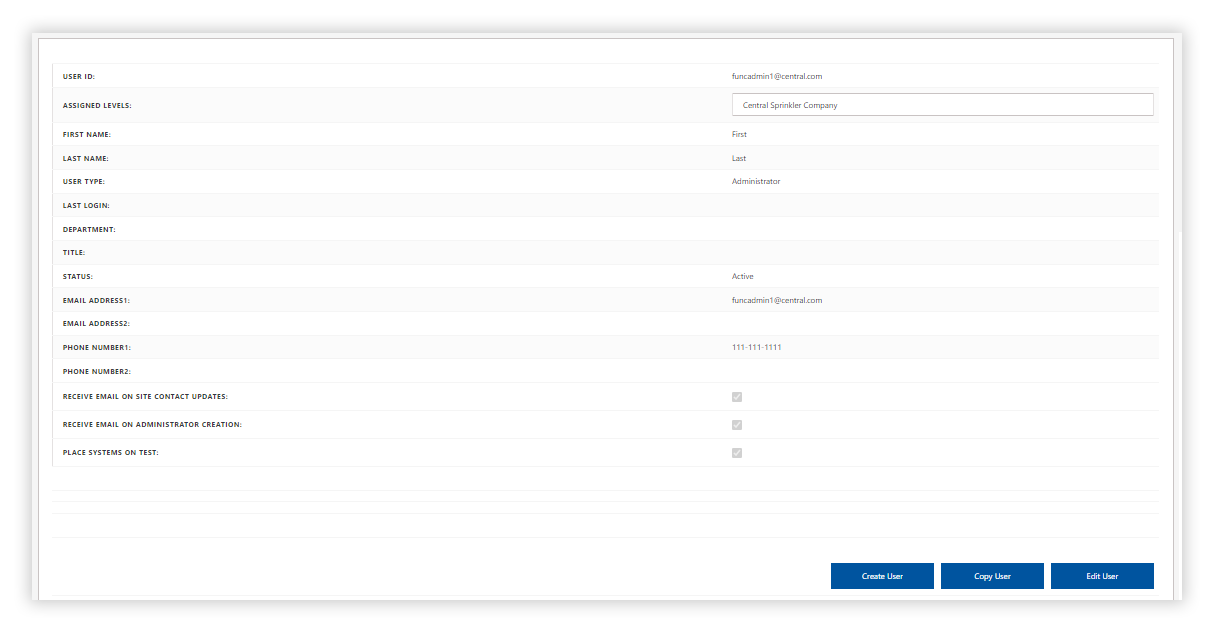
Click on the user you want to edit; it will populate in the User Profile Panel below.
-
Once you have made the proper edits in the User Profile panel, click Edit User.
-
Make the necessary changes to the User Profile panel.
-
Click Save.
The changes are updated in the User Profile panel.
The User profile updated successfully message appears, showing the changes made to the user in the User Profile panel.