About My Reports
The benefit in using the My Reports section is to save recurring searches that you would routinely run in DataSource. For example, a large company may be required to run a report for alarm activities that occurred within the past 24 hours for all sites. By initially creating and saving the search criteria, you can quickly access the search criteria to generate the report on a daily basis because it would be saved in the My Reports section. Smaller companies may want to generate an Open/Close report to monitor the actual times the site location was disarmed and armed. The report will show the dates and time of when the activity occurred, along with the user who activated and/or deactivated the site systems.
 It's important to note that the search criteria you select is saved to My Reports; not the search results generated from the search criteria. If you want to keep the search results for a later time, the best approach is to download, view or print the report.
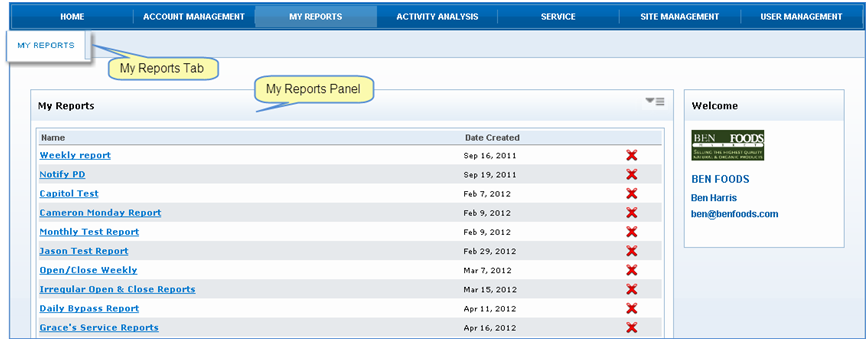
 To access the My Reports section, click My Reports from the Navigation bar. The My Reports panel is displayed in the tab showing a list of search criteria saved and the date in which the search criteria is created.
In DataSource, you can save the following reports: Alarm Activity, Test Activity, Service Activity Reports, Parts Usage Reports, Site Reports, and Site Contacts.